Work in progress
Get the files
Help improve this design
Try the Braille Card Designer (signs, cards, and charms) and the Charm Designer's drawing editing, and share what works and what doesn't, especially braille readability on your printer.
This project is a work in progress. If you would like to test it, suggest changes, or help iterate, feedback is welcome on the model pages linked above. See the other works in progress for related designs.
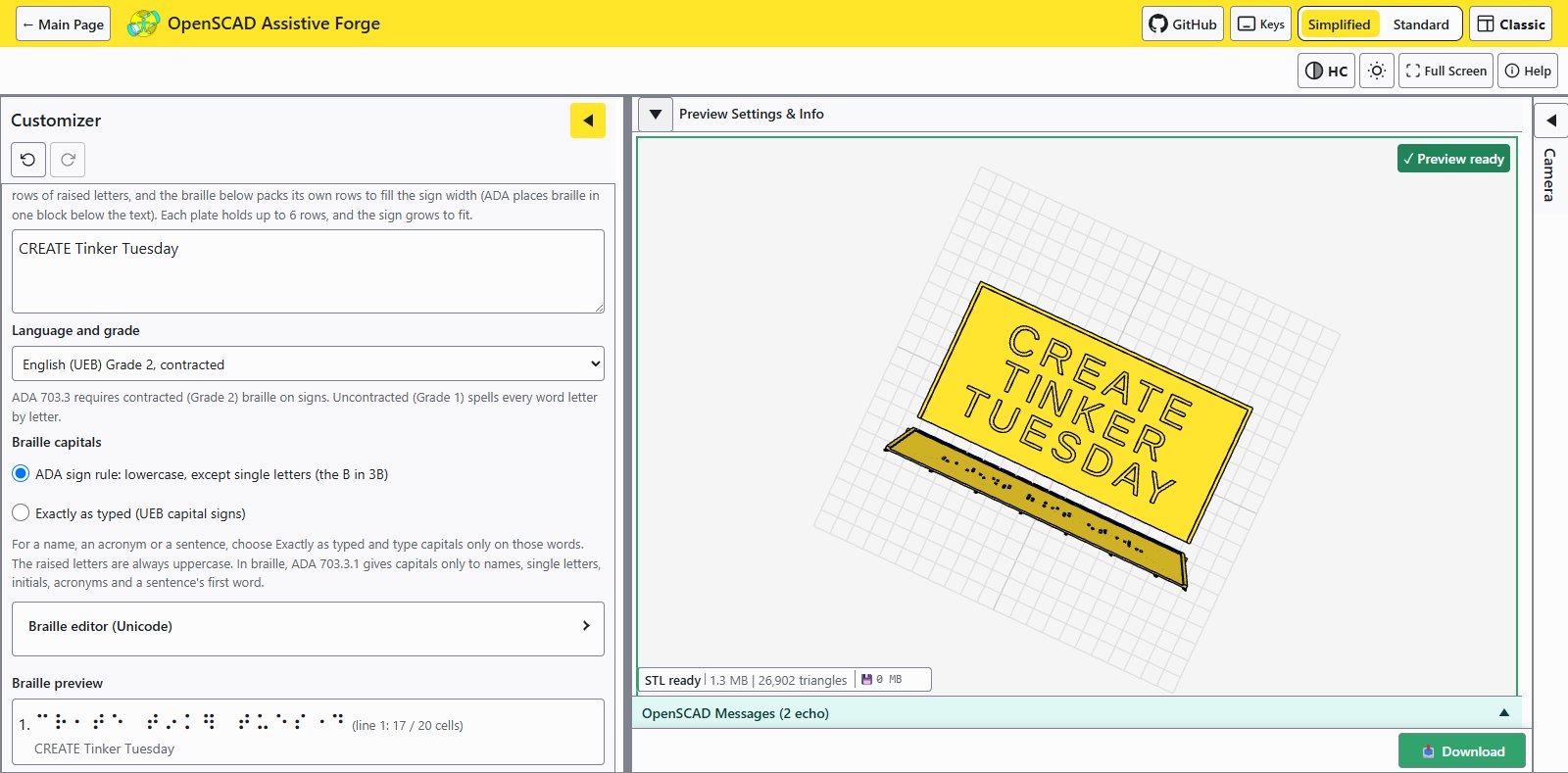
OpenSCAD Assistive Forge is a free web app that runs OpenSCAD customizers directly in your browser, with no install and no account, built to work with a keyboard, a screen reader, high contrast and a small screen. Open one of its built-in tools or your own OpenSCAD file, set the parameters, preview the model in 3D, and download the STL (stereolithography) model file for a 3D printer, or a flat file for a laser cutter. Everything runs on your device: nothing you type or upload leaves your browser, and braille translation uses Liblouis, the open-source braille translator.
It opens by asking which interface you want: Assistive Forge, a guided layout for screen readers, keyboard use and people new to OpenSCAD, in light, dark and high-contrast themes; or Classic, the layout of the desktop OpenSCAD program, for people who already know it. A design can be shared as one link that opens it ready to customize, as the links on the Parametric Plug Puller page do, and the app can be installed from the browser to work offline.
What’s in it
The Forge’s main page offers two built-in tools, each with its own project page here.
- Braille Card Designer: turns text into a Liblouis braille translation, with a Sign / Card / Charm selector choosing between tactile signs, braille cards, and bracelet charms, and a braille editor that takes hand corrections and six-key entry.
- Charm Designer: bracelet clip charms, flat pendants and logo plates carrying picture symbols instead of braille, from a built-in symbol library or your own SVG (scalable vector graphics) drawing or photo, with a built-in drawing-editing step.
Every tool is an ordinary OpenSCAD file underneath (the braille variants come from the braille-sign-openscad, braille-wedge-card-openscad, and braille-charm-openscad repositories), so each one also works in desktop OpenSCAD’s Customizer if you prefer working offline.
The Charm Designer is the work of Nasif Zaman, Duy Do (UW WOOF3D) and HuskyADAPT; I build and maintain the Forge itself.
Why it exists
This project started as a request to recreate a discontinued AAC (augmentative and alternative communication) product called a “Q-Charm”, a bracelet of small picture charms used for communication and task prompts. The idea developed through several hands: an individual design request from job coaches at a university employment program was first taken on by a 3D print club student (early design on Thingiverse), then iterated through hackathons including the Adaptive Solutions Mini-Hackathon with CREATE (the University of Washington’s Center for Research and Education on Accessible Technology and Experiences), HuskyADAPT, and King County Library System, and the GitHub Open Source Assistive Technology Hackathon. Along the way the goal grew from one charm design into a general web front-end for OpenSCAD assistive design tools.
Photo gallery
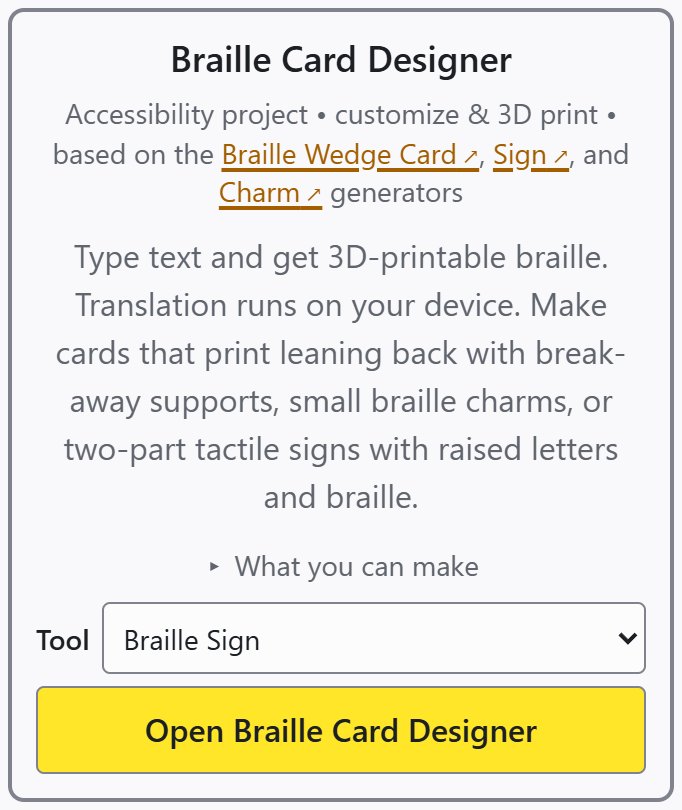
One tool covers braille signs, braille cards and braille charms, chosen from its Tool menu.
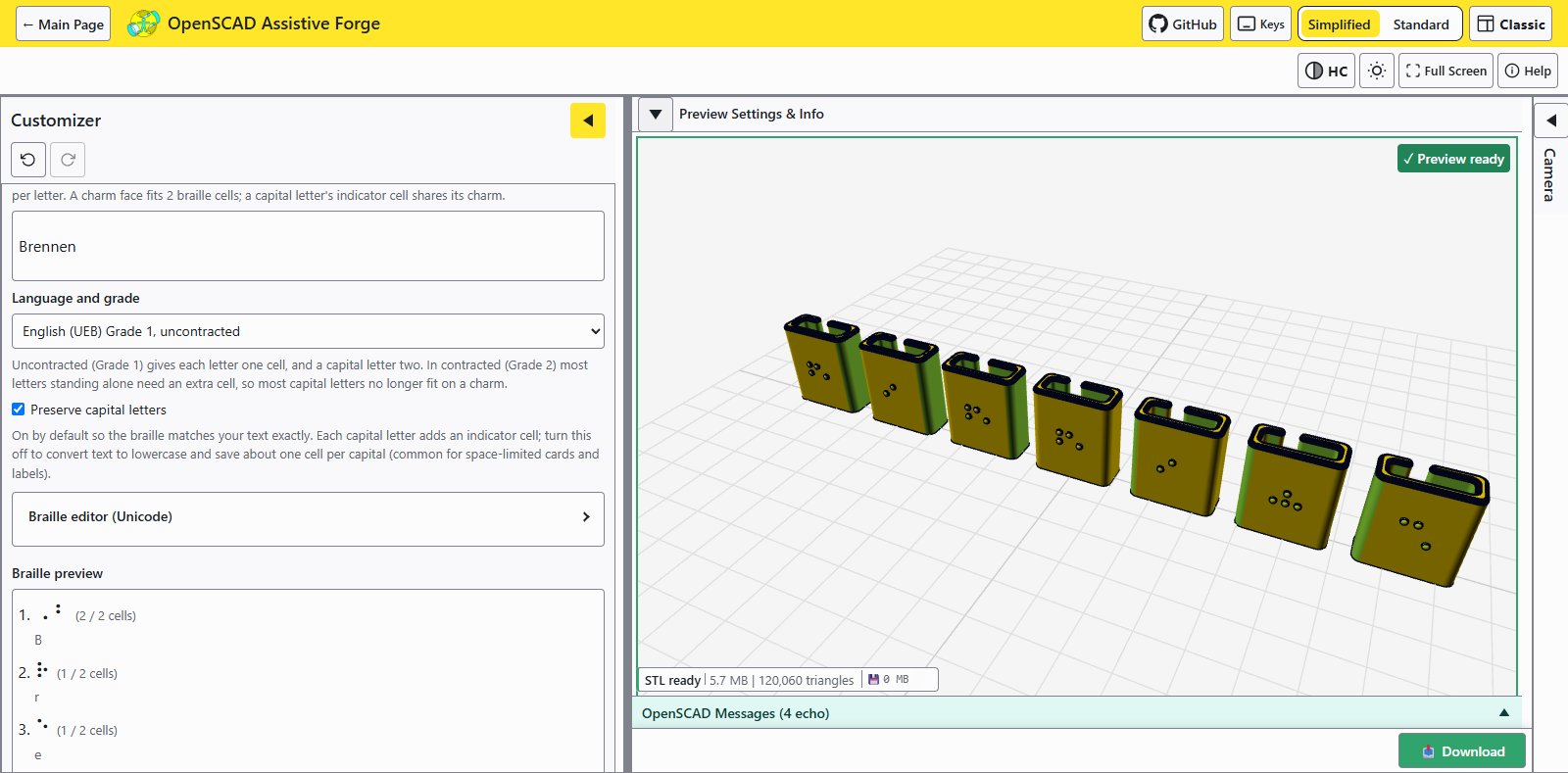
The Braille Charm tool running in the browser; the same OpenSCAD file also works in desktop OpenSCAD.
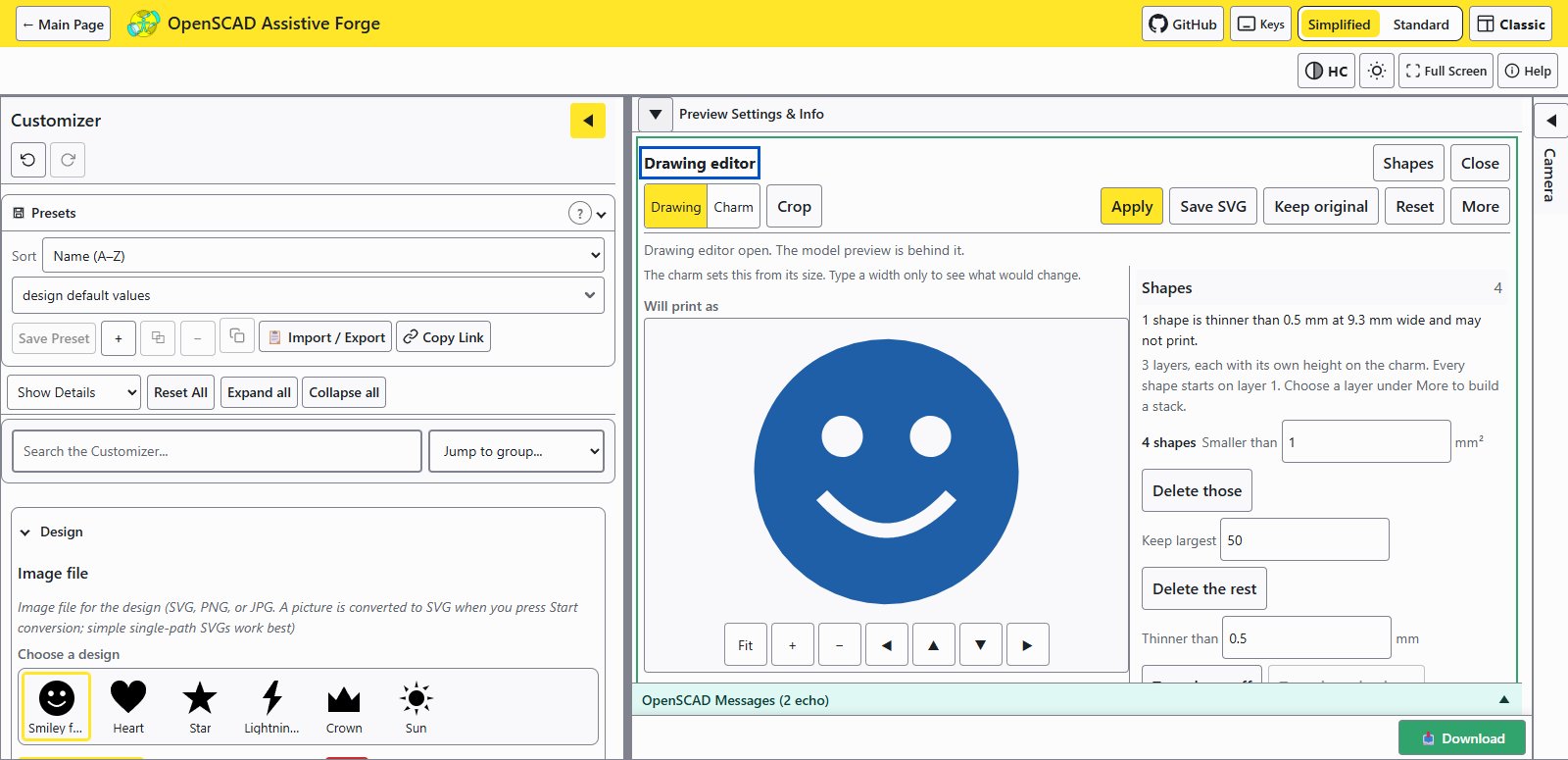
The drawing editor checking the built-in smiley face before it goes on a charm.