Ready to print
Get the files
The Braille Card Designer turns text you type into a 3D-printable braille object. One tool covers three shapes, chosen from a dropdown: tactile signs, braille cards, and bracelet charms. Braille translation uses Liblouis, the open-source braille translator, and runs on your device, so there is no install and no account.
You can generate either uncontracted braille (Grade 1, where every letter is spelled out) or contracted braille (Grade 2, which uses the standard contractions most experienced readers prefer). Pick whichever suits the reader: a beginner learning the alphabet and a fluent reader want different output from the same text.
If you read braille, you can correct the translation by hand in the braille editor, typing braille ASCII or using six-key entry, before the model is made.
Braille signs
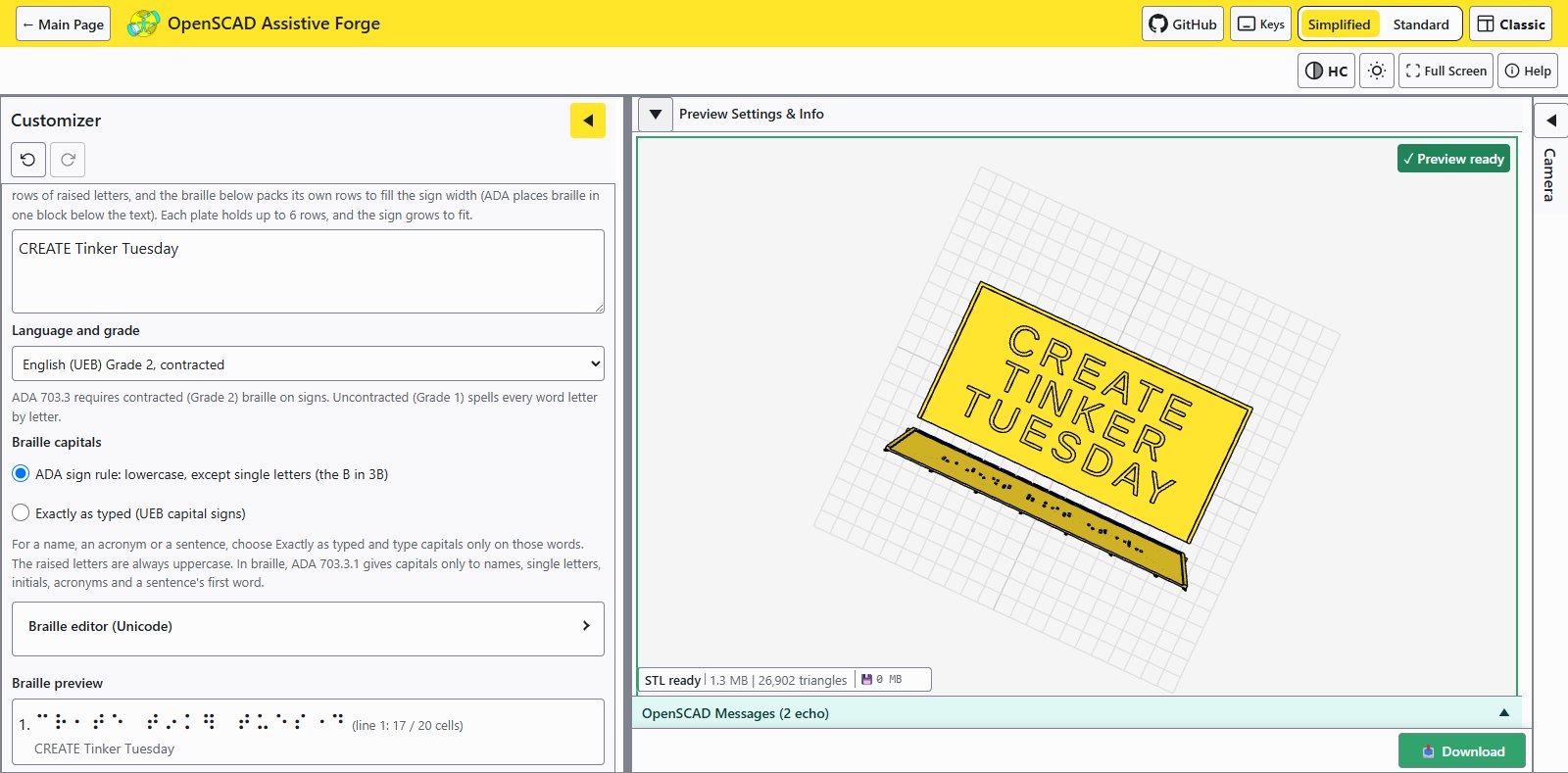
Tactile signs get raised letters on top and a Liblouis-translated braille section below. The tool automatically splits the two into separate printable sections, and an optional border makes the pieces look and feel like one continuous sign after gluing.
Braille dots print poorly when they face straight up on an FDM (fused deposition modeling) printer, so the braille section is angled at 75 degrees on a stand with quick-removal support fins, a small trick that makes a big difference in dot quality and readability.
Braille cards
Braille cards cover business cards, labels, and tags. The card prints leaning back at 75 degrees on break-away support fins (the “wedge card” design the repo is named for), so the dots print cleanly instead of facing straight up, where dome quality and readability suffer.
Text longer than one card can go on several: the All cards layout groups the lines into cards of 8 rows by default and prints every card in one file, so a full address or a multi-line label needs no splitting by hand.
This tool generates a printable braille card model. It is a different project from the Custom Braille Card Embosser, which is a printed, hand-operated machine that presses braille into blank paper cards.
Braille charms
Charms are small bracelet pieces carrying one braille letter each, for braille name bracelets and wearable braille labels. The tool orients each charm on its side for better dot quality and rotates the braille so the charms read correctly once they are on a bracelet.
For charms carrying picture symbols instead of braille, see the separate Charm Designer.
Two ways to use it
Each shape is an ordinary OpenSCAD file, and each one works two ways:
- In the browser, no install needed. Open the OpenSCAD Assistive Forge web app, pick the shape, type your text, preview it in 3D, and download the STL (stereolithography) model file.
- In desktop OpenSCAD. Download the file and use OpenSCAD’s built-in Customizer panel offline. The three variants live in three separate repositories:
Braille_Sign_STL_Generator.scad,Braille_Wedge_Card_STL_Generator.scad, andBraille_Charm_STL_Generator.scad.
If you print with it, feedback on braille readability from your printer is especially welcome; share it on the model pages linked above.
Photo gallery
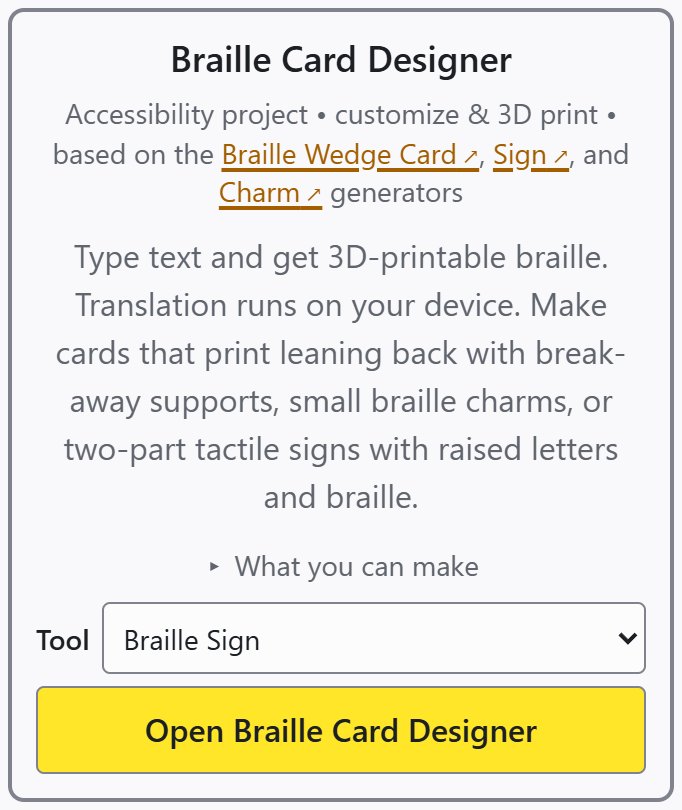
One tool covers braille signs, braille cards and braille charms, chosen from its Tool menu.
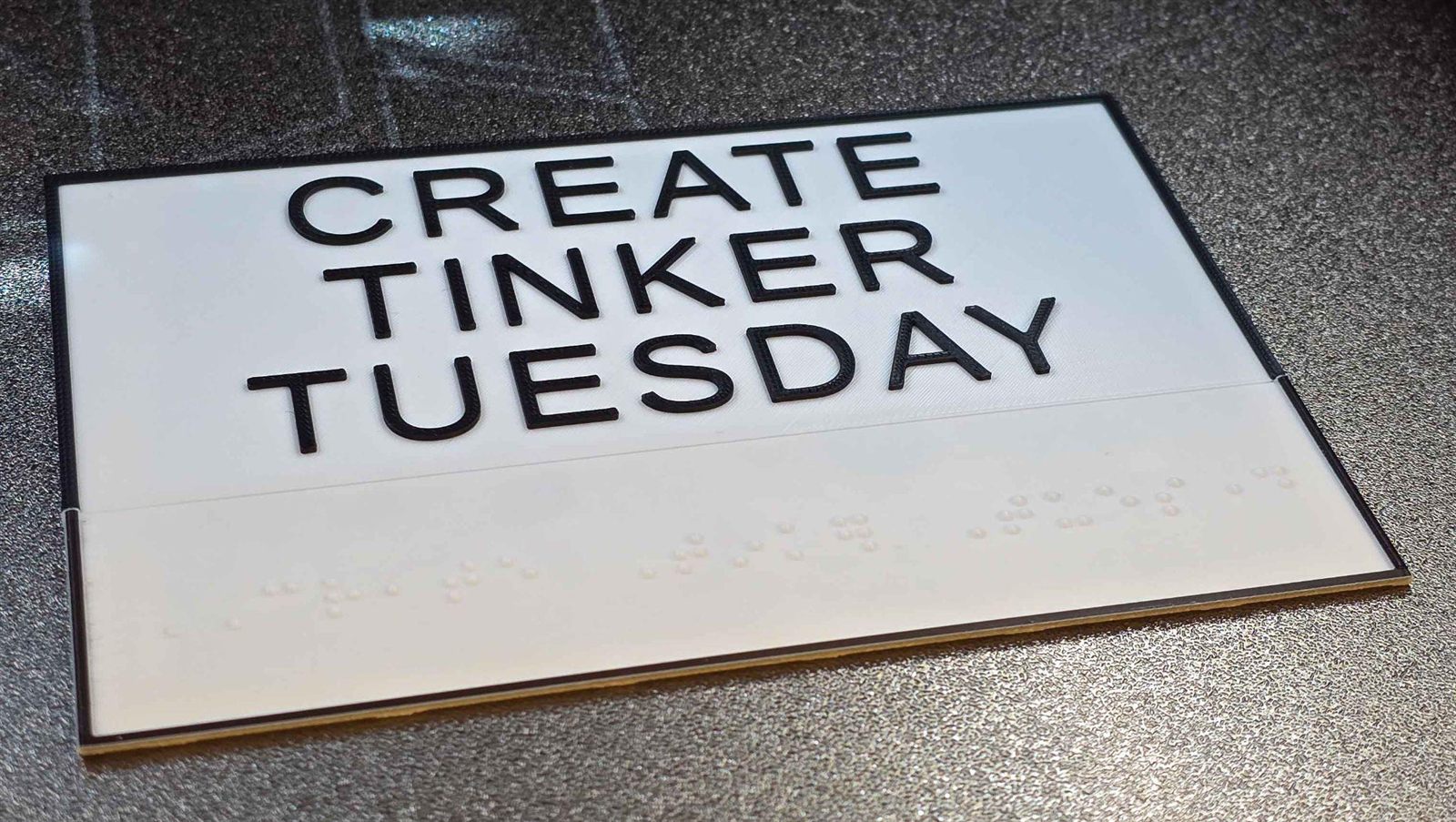
A finished sign, with the raised-letter plate and the braille section glued into one piece.
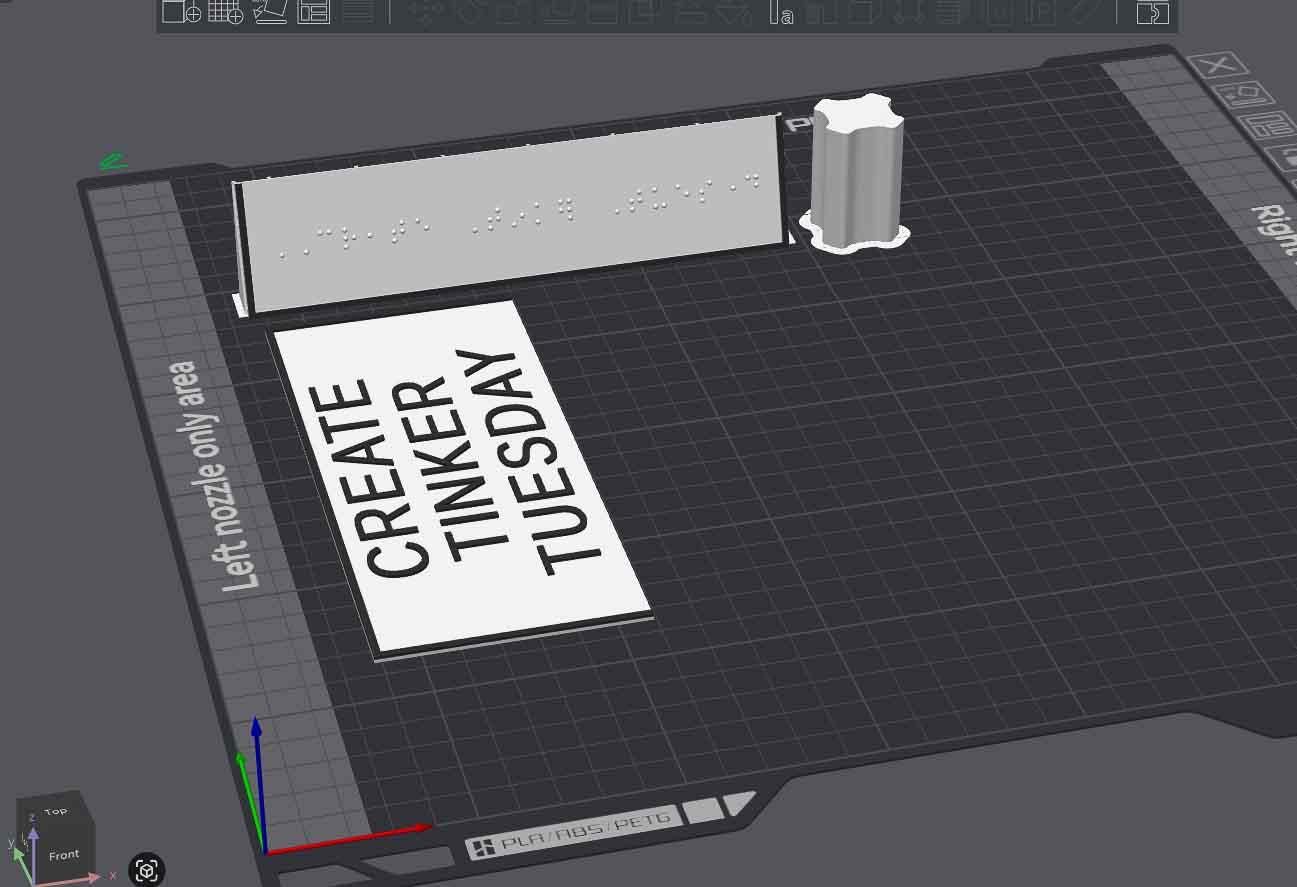
The braille section prints at 75 degrees with quick-removal support fins for better braille dome quality.
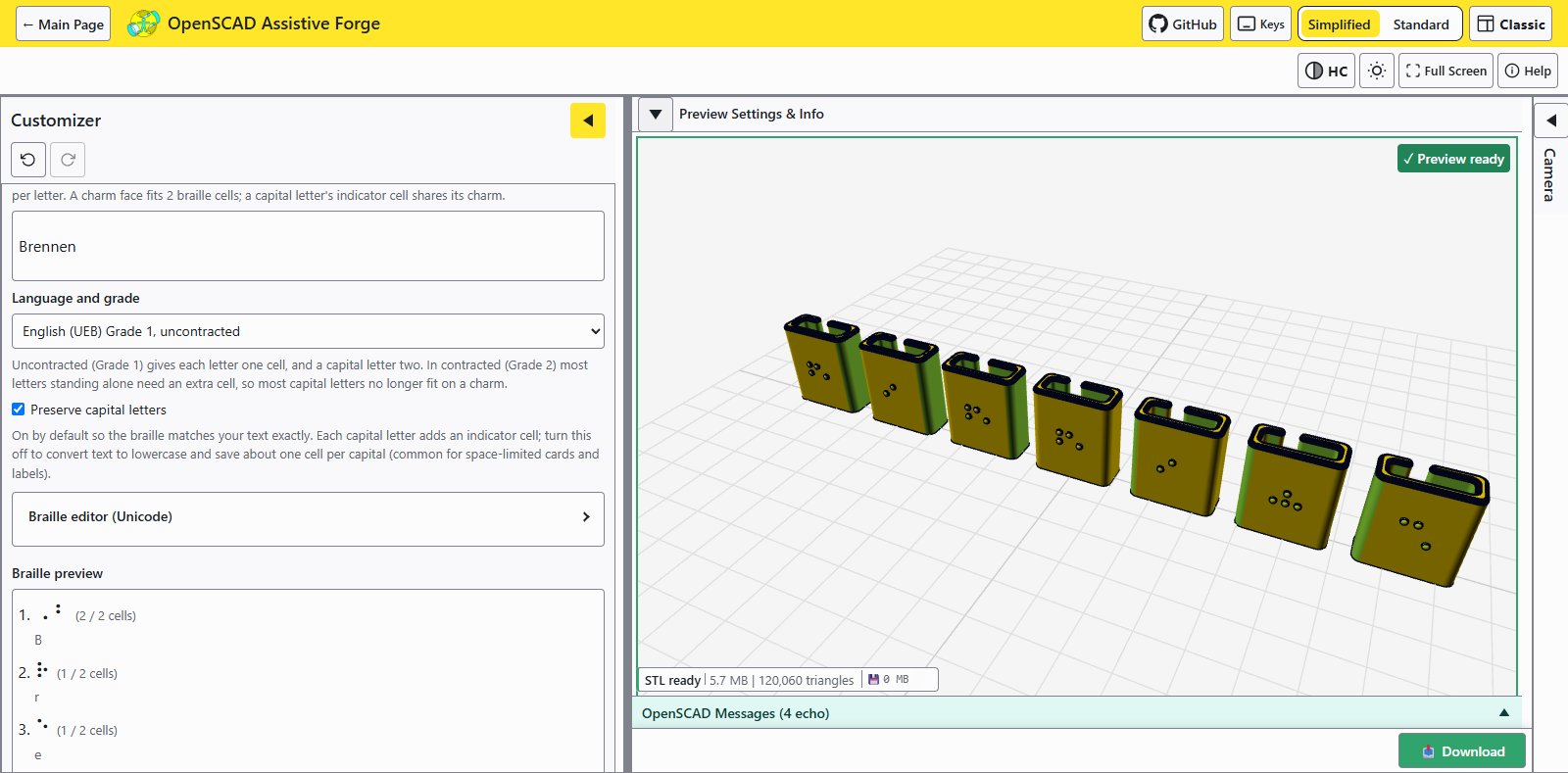
Charms are automatically oriented on their side for better braille dot printing, and rotated so they read correctly on a bracelet.
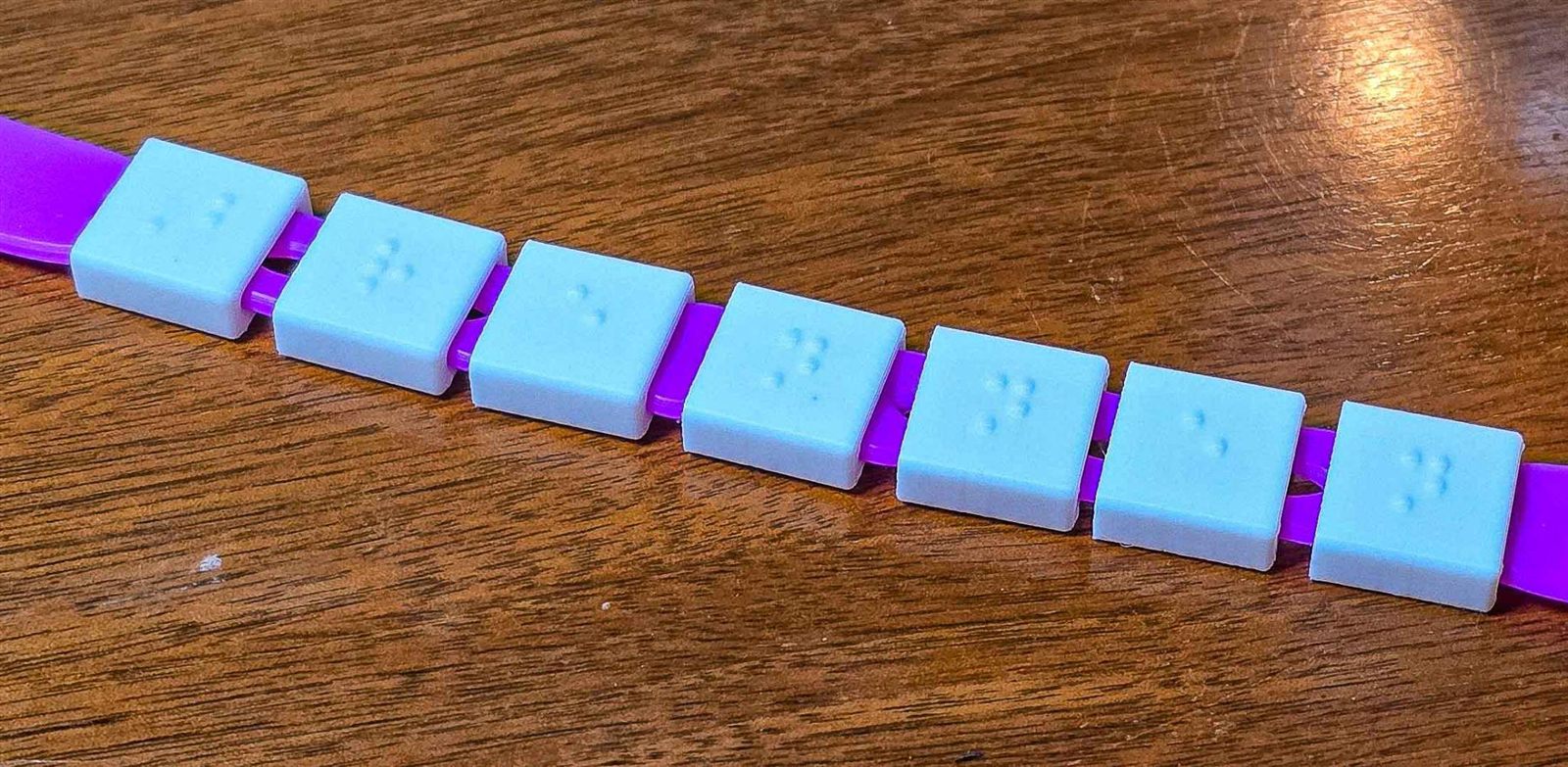
A finished braille name bracelet, one letter per charm.